YouTube Video Downloader
Select Quality
Download Steps
- Open YouTube and find the video you want to download
- Copy the YouTube video URL (the link in the address bar)
- Paste the link into the input box above
- Click the "Start Download" button
- Select your desired video quality
- Wait for the video to parse, then click the download button to save locally
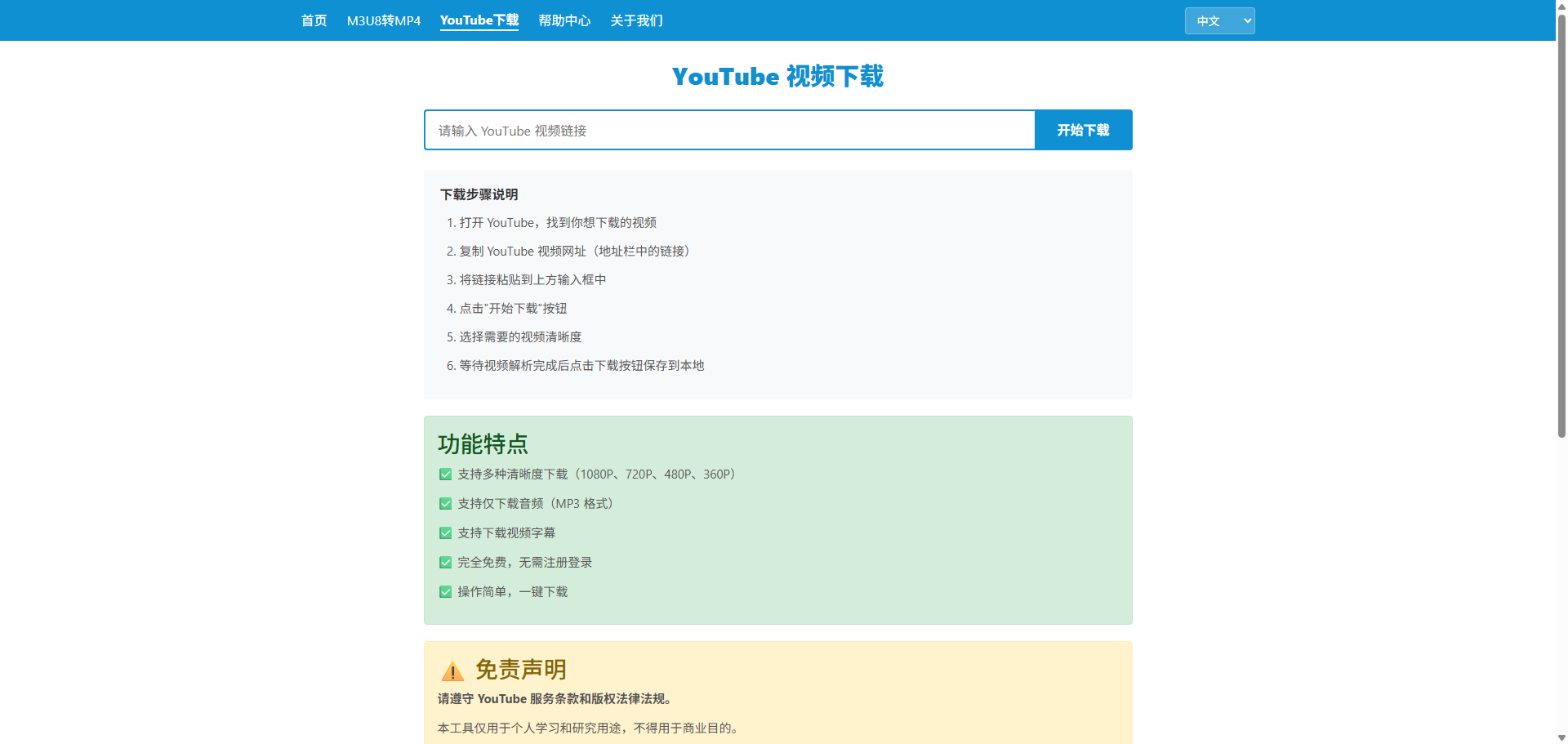
Features
✅ Support multiple quality downloads (1080P, 720P, 480P, 360P)
✅ Support audio-only download (MP3 format)
✅ Support subtitle download
✅ Completely free, no registration required
✅ Simple operation, one-click download
⚠️ Disclaimer
Please comply with YouTube Terms of Service and copyright laws.
This tool is for personal learning and research purposes only, not for commercial use.
The copyright of downloaded video content belongs to the original author. Do not distribute or use for commercial purposes.
By using this tool to download videos, you agree to comply with relevant laws and YouTube Terms of Service.
Frequently Asked Questions
Q: Which YouTube link formats are supported?
A: Supports both youtube.com and youtu.be link formats, including regular videos and playlists.
Q: How fast is the download?
A: Download speed depends on your network bandwidth and YouTube server speed, usually reaching maximum speed.
Q: Is batch download supported?
A: Future versions will support playlist batch download functionality.